GitHub Copilot adds Computer Use to operate desktop applications
In 30 seconds
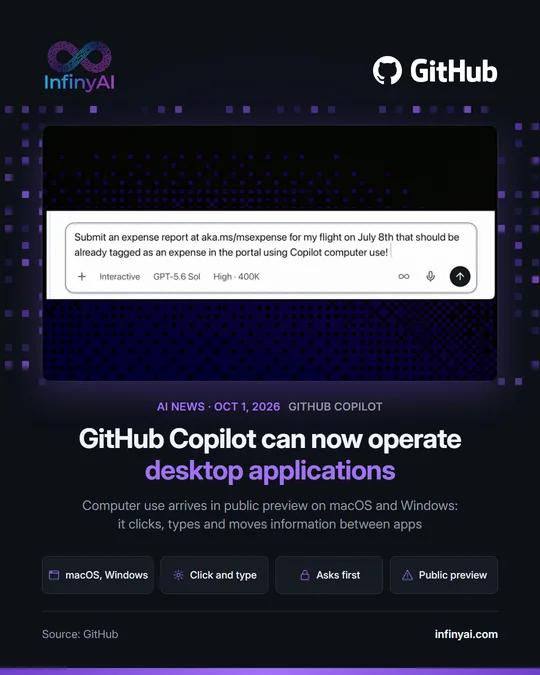
GitHub announced that Copilot, its AI coding assistant, can now use desktop applications on the user's behalf. The feature is called computer use, it is in public preview on macOS and Windows, and it clicks, types and moves information from one application to another, even in legacy software with no API. Copilot asks for approval before controlling an app, and organizations can disable the feature.
On October 1, GitHub announced that Copilot, its AI coding assistant, can now use desktop applications on the user's behalf. The feature is called computer use (the assistant uses the computer the way a person would) and it is in public preview in Copilot CLI, the version for the terminal, and in the GitHub Copilot app, on macOS and Windows.
Copilot reads app content and what is on screen, clicks controls, enters and edits text, presses keys, scrolls, drags and follows a workflow from one application to another. According to GitHub, this makes it possible to automate tasks in legacy software or software that only has a graphical interface, with no API, command line or MCP integration (the standard for connecting AI agents to other tools). Its examples include summarizing notifications in a browser, updating content in a presentation or moving information through a workflow in a desktop application, and in its video Copilot handles an expense report in Safari.
Copilot asks for approval before controlling an app, and users can review or reset the apps they have chosen to always allow. On macOS it guides users through the Accessibility and Screen Recording permissions, and organizations can disable the feature through their managed settings. It is turned on with /computer on in Copilot CLI or, in the app, under Settings, Computer Use.
We believe this matters to many small businesses: a large part of daily work runs on older management software that does not connect to anything, and that is where an agent like this can save the most time. That said, for now it is a preview: it is worth trying it with simple tasks and checking what it does.
Why it matters
Older management software that does not connect to anything can now be automated with an agent.
Official source: GitHub