Anthropic Adds a Security Center and New Admin Controls to Claude Enterprise
IA en un minuto newsroom · Editor: Jon Elgezabal
In 30 seconds
Anthropic is launching in beta for Claude Enterprise a page that sets each security setting against the one the company advises and that can be downloaded to show in an audit. Inference hooks, which pass prompts and tool calls through a company's own security systems, are now generally available. Claude Desktop also lets admins bar personal accounts on managed computers.
Anthropic announced on November 5 several security and administration updates for Claude Enterprise, the version of Claude for businesses. The aim, according to the company, is for security teams to know how Claude is configured, what it is doing on the company's computers and what happens to the data.
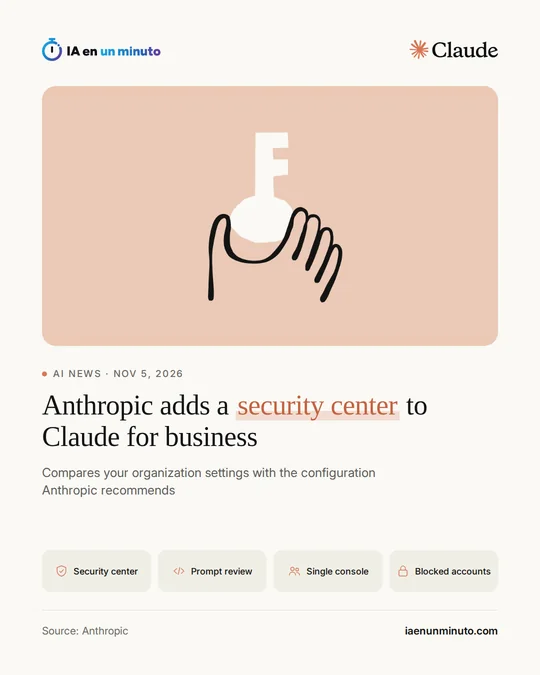
The main one is a security center, in beta: a new page in the organization settings that brings together the security controls for chat, Cowork and Claude Code. For each control it lists the value in place, the one Anthropic recommends when it has one, plus a link for changing that setting, and it flags the ones that are new or have changed recently. The page can be downloaded as a report for auditors, noting which controls were checked automatically and which an organization owner confirmed. Anthropic warns that it is guidance built on its own recommendations: it does not certify anything or guarantee that any law or standard is being met.
Inference hooks, now generally available, link Claude with the data protection tools a company already uses, such as data loss prevention (DLP) tools. There are two kinds: some send prompts so those tools can review them, and others check tool calls before they are carried out.
Also in beta is a single admin console, at admin.claude.com, from which a company manages, for all its organizations, its Compliance API keys, groups, domain verification, directory sync (SCIM) and single sign-on. Anthropic warns that this setup cannot be undone.
There are also new access controls in beta: logging a member out through one call to the Admin API while they stay in the organization (their API keys, scheduled routines and cloud sessions in progress keep working), and handling the list of allowed IP addresses in-house, without going through Anthropic. Admins can also choose the Claude Desktop settings people use most without pushing them through device management, likewise in beta, and, on computers the company manages, stop people from signing in to that app with personal accounts or other Claude accounts from outside the company. Anthropic also points to the integration it announced recently for running a company's endpoint detection and response (EDR) sensor within Cowork's virtual machine. These updates are for Claude Enterprise, with some exceptions during the beta that its help center lists, and the announcement gives no prices.
Why it matters · analysis and opinion
When an AI tool goes from a handful of users to the whole workforce, the question stops being what it can do and becomes who controls it. Anthropic answers with what security departments usually ask for before signing: a clear picture of the configuration, the ability to apply the policies they already have and a brake on the use of personal accounts. The security center saves work in audits, but it does not replace a company's own judgment, as Anthropic itself acknowledges. Several pieces are still in beta and the single console cannot be rolled back, so it is worth testing it calmly and deciding beforehand who will run it. For organizations already paying for Enterprise, the first step is simple: open that page and go through whatever does not match.
Official source: Anthropic · Written with the help of AI: how we make the news
What does it mean for your business? · analysis and opinion
These updates only affect companies that already have Claude Enterprise, both in Spain and in Latin America. The news does not cover other plans or personal accounts. Also, inference hooks only make sense if the company already uses data loss prevention (DLP) tools from a security vendor: without them, there is nothing to connect.
For those who do have Enterprise, we advise starting with what costs nothing: opening the security center in the organization settings, reviewing the controls whose current value does not match the recommended one, and downloading the report to keep it. It is also worth deciding whether to block personal Claude accounts in the Claude Desktop app on managed computers, so that internal data does not end up in accounts outside the company, and reviewing the list of allowed IP addresses, which the administrator can now manage without going through Anthropic.
There are two limits worth keeping in mind. The security center is guidance based on Anthropic's recommendations and is not a certification or a guarantee of compliance with any law or standard, so it does not replace a review of your own. And signing a member out with the Admin API does not revoke their API keys, cloud sessions already running, or scheduled routines: when someone leaves the company, it is wise to review those three things as well.