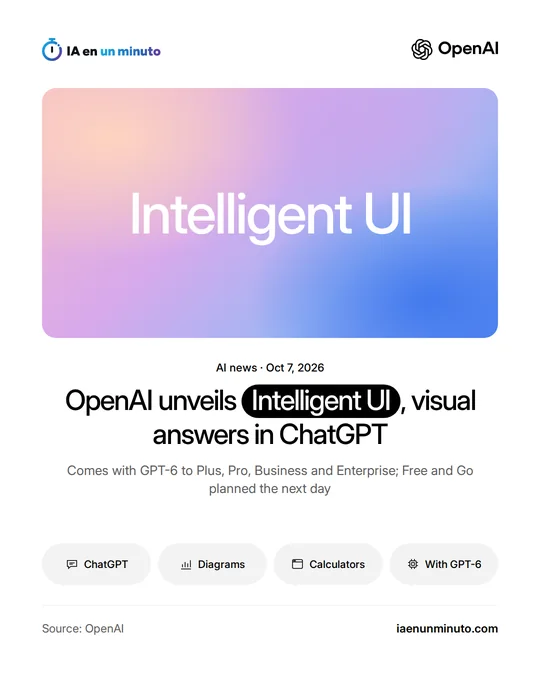
OpenAI unveils Intelligent UI, adding interactive visual elements to ChatGPT responses
IA en un minuto newsroom · Editor: Jon Elgezabal
In 30 seconds
With GPT-6, ChatGPT starts mixing text with pieces that people can tap and change, such as buttons, charts or calculators. OpenAI wants hard topics and specific tasks to become simpler to handle without leaving the chat. Plus, Pro, Business and Enterprise get it first, and free and Go users follow one day later.
ChatGPT wants to stop answering with text alone.
OpenAI is introducing Intelligent UI, a new interface that adds interactive visual elements to ChatGPT responses. It debuts as GPT-6, the company's latest family of models, reaches all ChatGPT users. As reported by TechCrunch, instead of just flat pictures, the chatbot will be able to offer buttons, calculators for specific tasks and interactive, editable charts right inside the conversation. OpenAI also mentions forms, maps and tools built on request, such as a bill splitter for dinner with friends or a game.
OpenAI says the goal is to make answers more visual and to make it easier to learn complex topics. The examples it has shown include diagrams of how an airplane wing generates lift or how a bicycle works, visuals for recipes and a personal savings calculator. The model picks the format based on the question, and when a simple text answer is the most useful, it can stick to text. Each user will be able to reduce the number of visual elements. OpenAI acknowledges there is still work ahead to improve the model's design judgment and expand what it can create.
It began rolling out worldwide on October 7, in the Chat tab, for the Plus, Pro, Business and Enterprise plans (for Enterprise, availability depends on workplace admin settings), and from October 8 it also reaches the free and lower-cost Go plans.
Why it matters · analysis and opinion
The underlying change is one of format: until now, anyone asking ChatGPT something got mostly text, and with Intelligent UI the answer can become a small tool used on the spot. For people studying or planning, that saves steps, because the diagram or the calculation arrives ready-made. For those who make a living publishing calculators, guides or comparisons on their websites, it signals where the competition is heading: if the assistant builds on the fly what used to be looked up elsewhere, some of those visits may stay inside the chat. What OpenAI itself admits is still pending, its design judgment, remains open, as does how far to trust the figures those tools show: before making decisions with them, it is better to check them.
Official source: OpenAI · Written with the help of AI: how we make the news