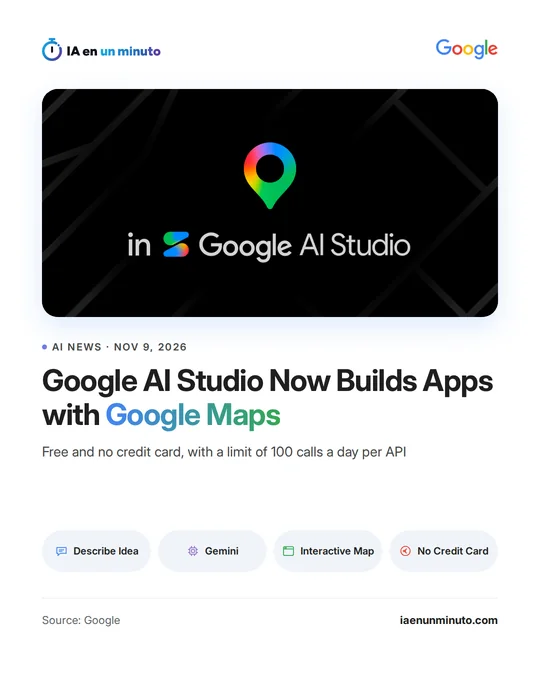
Google AI Studio can now build apps with Google Maps from a description given to Gemini
IA en un minuto newsroom · Editor: Jon Elgezabal
In 30 seconds
Gemini builds apps with maps inside AI Studio from a description, and the tool itself sets up the Google Maps Platform keys. Google lets people try it without a card, with a free daily allowance of 100 calls for each API. Places, Routes and pollen or air quality data are included; launching the app means moving to Google Cloud billing.
Google AI Studio, Google's environment for building applications with its Gemini models, can now make apps that use Google Maps Platform, Google's set of mapping tools for developers, starting from a written description. The company announced it on its developer blog.
There are three steps. First, Gemini is told the idea, for instance an interactive 3D tour of New York's landmarks. Next, AI Studio switches on Google Maps Platform without leaving the tool and without asking for a credit card, and takes care of the setup and the API keys; if there are already Google Cloud projects, it links to them. Finally, the app shows up with a working interactive map in the preview area.
From AI Studio there is access to the platform's main APIs: Maps (custom-styled maps, photorealistic 3D cities and data layers), Places (place search in natural language, profiles of each location and photos), Routes (trips with several stops and travel planning) and environmental data, such as pollen alerts or routes through areas with cleaner air. The AI Studio gallery includes examples that can be copied and changed, among them a store locator, a route planner for a mobile dog grooming service and a 3D tour of a city.
While testing, each API has a free allowance of 100 calls a day that resets every 24 hours, meant to avoid unexpected charges. To launch the app or get more capacity, a Google Cloud billing account has to be linked, which moves it to the standard Google Maps Platform pricing, including its monthly free usage. According to Google, this makes it possible to put together anything from store locators and route planners to 3D flights over a city or real-time air quality monitors in minutes.
Why it matters · analysis and opinion
Until now, putting a Google map in an app meant configuring a cloud project and managing access keys, a hurdle that slowed down anyone who only wanted to test an idea. By removing that step, Google brings its maps closer to people who do not code every day: a shop that wants to show where its stores are, a home service that needs to organise its routes or an agency preparing a tour. It is also a way to draw developers into its ecosystem, because the free prototype leads, if it works, to the platform's paid pricing. Before taking that step it is worth estimating how many requests the app will make with real users, since the testing allowance is small and the bill depends on usage.
Official source: Google · Written with the help of AI: how we make the news
What does it mean for your business? · analysis and opinion
This mainly affects businesses with several stores, delivery or home-service companies, and freelancers who want a store locator or a route planner without commissioning development from scratch. Google gives as examples a store finder with filters by distance and opening hours, and a route optimizer with multiple stops for mobile services. For anyone who does not need maps on their website or in their daily work, this changes nothing.
Our advice is to start with a prototype in the free phase: describe a single specific need to Gemini, for example the visits for one working day, and check whether the result is actually useful. The limit of 100 calls a day per API resets every 24 hours and no credit card is required, so testing does not cost any money. It is worth having someone with some technical knowledge review what has been generated before showing it to clients.
The cost appears when moving to production: you have to link a Google Cloud billing account, and the standard Google Maps Platform pricing applies, which includes free usage every month. It is prudent to review those rates and monitor usage before publishing the app, because an app with a lot of traffic can exceed that free usage.