Gemini rolls out a memory summary to view, edit and delete what it knows about users, for now only in the U.S.
IA en un minuto newsroom · Editor: Jon Elgezabal
In 30 seconds
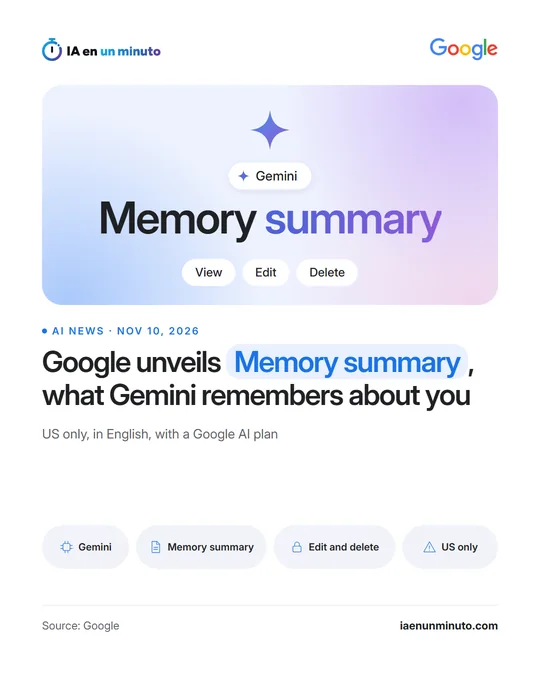
Google is rolling out Memory summary, a Gemini page that gathers what the assistant knows about each person. Gemini lets people review that data, change it with a natural language request and see in a history when each item came in. United States users are, for now, the only ones with access, and it takes a Google AI plan, English and Memory switched on.
Google has started rolling out a feature called Memory summary in Gemini, its assistant: an overview of what the assistant has been learning about each person, which can be checked, corrected and cleared. For now it is only available in the United States.
According to Google's help page, the summary is reached from the settings, in the Personal Intelligence section, or simply by asking Gemini what it knows about the person. Changing its contents only takes a request in natural language. Google offers two examples, noting that the user speaks Japanese or forgetting an old phone number, and warns that the assistant may come back with follow-up questions when a request is unclear. A memory history lists, in chronological order, when each item came in or was modified.
MobileSyrup, which published its hands-on on Monday, November 9, says the information shows up grouped into categories such as "The Essentials", with details about where the user lives or what they do for a living, or "Career & Professional Projects", and that a pencil icon allows broader changes.
There are several requirements: a personal account, being at least 18, having Keep Activity (Gemini's activity setting) and Memory switched on, and a current Google AI plan. For now it only works in English. Google says it is available in the Gemini mobile app and in its web version; in its hands-on, MobileSyrup only found it on the web. Anyone who does not want the assistant to keep learning about them can switch Memory off in that same settings section.
Why it matters · analysis and opinion
An assistant's memory usually works in the shadows: it shows up in more personalized answers, but it is hard to tell which data they come from. Putting that content in plain view, with a history of changes, turns personalization into something that can be reviewed, and that weighs more when the same assistant is used for both personal and work tasks. The limit is reach: it only goes to US subscribers using it in English, so most people who use Gemini still cannot check what it keeps about them. Google has not said when it will reach other countries or other languages.
Official source: Google · Written with the help of AI: how we make the news
What does it mean for your business? · analysis and opinion
For now this feature does not reach Spain or Latin America: Google limits it to people with a Google AI plan in the United States, in English and with Activity and Memory enabled. Anyone working with Gemini from here does not yet have this page, but it is worth taking it as a warning that the assistant may be saving data about whoever uses it in order to personalize its responses.
For a freelancer or a small business, the practical risk is that this memory may end up holding data about clients, suppliers or employees mentioned in a work conversation. Our advice is simple and costs nothing: avoid telling the assistant personal data about third parties that is not needed for the task, and check in the settings whether Activity and Memory are enabled on the accounts used for work.
Anyone with access to the feature, for example through a team or partners in the United States, can review the categories it shows, both in the mobile app and on the web, delete anything that should not be there and check when each piece of data was added. Gemini can also be asked, by writing normally, to forget a specific piece of data, although it is wise to check afterward on the page itself that it has actually disappeared.